Hotel Console Gaming: Display Glasses or a Portable Monitor?
October 28, 2026 Share LinkFor solo console gaming in a hotel, XREAL One Pro provides a personal screen without needing another display stand. Choose the connection path first: a compatible USB-C handheld can send video directly, while an HDMI console needs the correctly directed, powered adapter path. A physical monitor offers shared viewing; display glasses do not eliminate the console, power supply or controller.
Map the signal before you buy adapters
Write the source connector, video direction, power requirement and glasses input on one line. For an HDMI console, the path must convert HDMI output into a glasses-compatible video input. A common USB-C-to-HDMI display dongle points the other way and is not evidence of compatibility. The One-series guide treats HDMI console connections separately from USB-C handhelds.
Separate handhelds from docked consoles
Steam Deck and ROG Ally are described as direct-connection sources in the guide. The original Switch and Switch OLED use a powered Hub arrangement. Do not extend those statements automatically to every later console generation or every dock. Verify the exact source and accessory combination.
Check power and refresh with a real game
Use a menu with readable text, then play a game long enough to verify video, audio and controls. One Pro supports up to 120Hz, but the delivered mode depends on the source, adapter and cable. The Hub advertises up to 120Hz passthrough and up to 45W charging on a compatible path; it is not a generic HDMI converter.
Choose the room arrangement
For one person, the glasses keep the view personal and free the bedside table. For local multiplayer or showing a game to another person, a physical screen serves a shared job. Test whether you can reach pause and volume while reclined, and check audio routing so it does not unexpectedly play through room speakers.
XREAL One Pro: the relevant specifications

Image: XREAL.
| Parameter | Published detail |
|---|---|
| Display | 1920 × 1080 pixels per eye; up to 120Hz |
| Field of view | 57° |
| Glasses mass | 87g, excluding cable |
| Screen behavior | X1 chip; native 3DoF, Anchor and Follow |
| Fit sizes | M: IPD 57–66mm; L: 66–75mm |
| Video input | USB-C video from a compatible source |
The US listing showed $539.00 USD on 28 October 2026. This is the glasses or accessory price, before applicable tax and any separately selected items. Check the official XREAL One Pro page; dimensional and display details are cross-checked against the XREAL device table (57° for One Pro; 52° for 1S).
XREAL Hub: the relevant specifications

Image: XREAL.
| Parameter | Published detail |
|---|---|
| Role | Simultaneous device charging and glasses video |
| Charging rating | Up to 45W; source and power supply determine delivered power |
| Video passthrough | Up to 120Hz on a compatible path |
| Original Switch / Switch OLED | External power must remain connected |
| Lightning iPhone 14 and earlier | Not compatible with this Hub route |
The US listing showed $39.99 USD on 28 October 2026. This is the glasses or accessory price, before applicable tax and any separately selected items. Check the official XREAL Hub page.
Compare the complete setup
| Source class | Connection decision | What must be checked |
|---|---|---|
| Video-capable USB-C handheld | Compatible video cable | Source output mode and charging need |
| Original Switch / Switch OLED | Documented powered Hub path | Continuous external power |
| HDMI console | Correctly directed powered conversion | Adapter support, audio and refresh rate |
Compare a specific portable panel
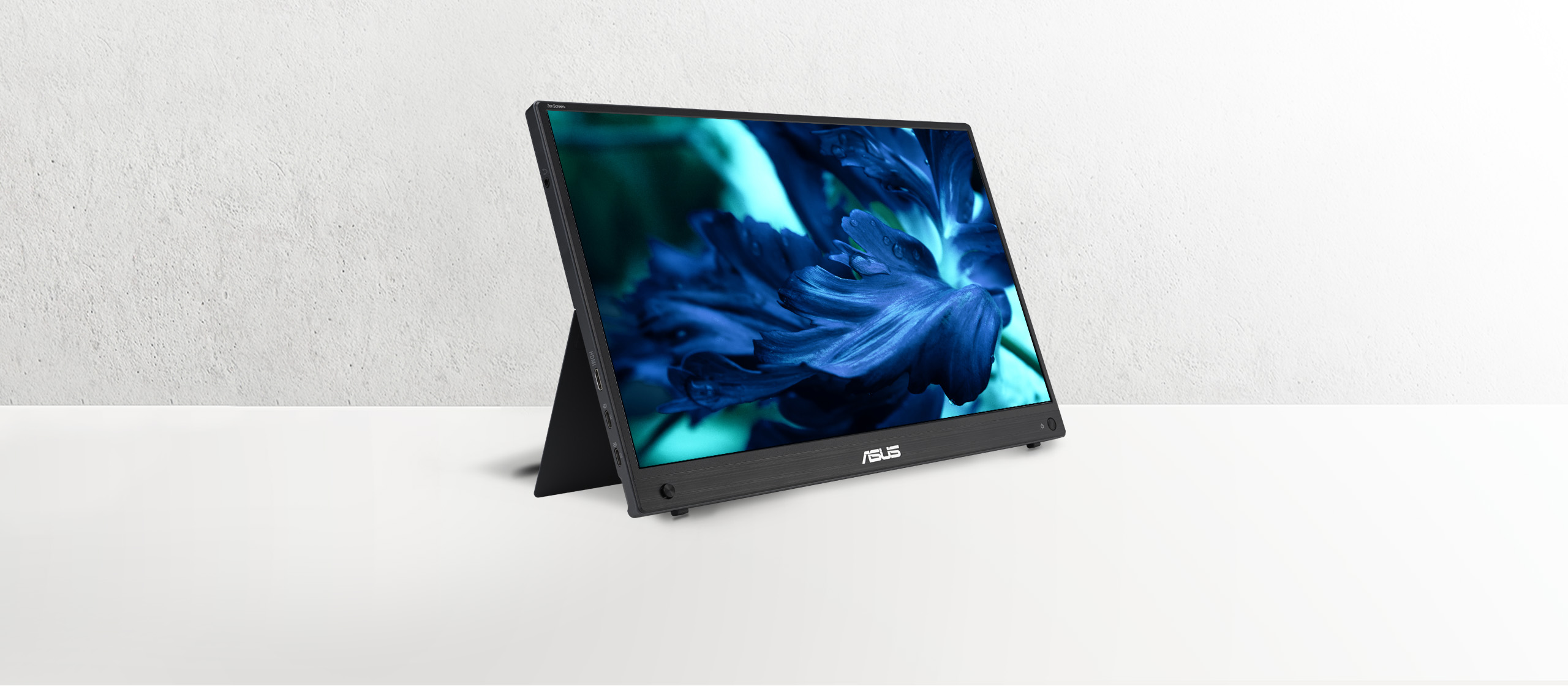
Image: ASUS.
| Published parameter | XREAL One Pro | ASUS ZenScreen MB16AHG |
|---|---|---|
| Display component mass | 87g, glasses without cable | 0.92kg net without stand |
| Display | 1920 × 1080 per eye; up to 120Hz | 15.6-inch IPS; 1920 × 1080; up to 144Hz |
| Source input | Compatible USB-C video; HDMI needs the correct conversion path | Two USB-C DP Alt Mode ports and one Mini HDMI input |
| Where the picture is viewed | Personal wearable view | Physical panel visible to others |
ASUS’s US specification page lists the 0.92kg net figure without a stand. Add your sleeve, cables, power adapter and any stand to measure your travel kit; the 2.78kg gross shipping figure is not a packed carry-on measurement. XREAL’s 87g figure also excludes its cable and case. The component figures explain why a wearable screen can reduce display bulk, but do not establish a complete-kit weight difference.
FAQ
Can one cable work natively with both a USB-C handheld and HDMI console?
Do not assume so. They have different source outputs; verify a complete path for each.
Does the Hub convert any HDMI signal?
Its documented role is video-and-charging passthrough for supported devices. An HDMI source requires a separately verified conversion path.
Do glasses fix posture automatically?
They allow a personal screen position, but comfort still depends on seating, cable routing and the fit you actually use.
Check the connection with its source
VESA documents DisplayPort video over USB-C; confirm the source supports it.
Check the model and complete your setup
Compare XREAL US options and check your model, fit and accessories. Confirm the full cost, stock and source compatibility before ordering.
Specifications and US listing details checked 28 October 2026. This guide uses attributed manufacturer information and practical setup checks; it does not report an independent lab ranking.