






Lightweight Movie Glasses for Reclining: Is XREAL xbx a01+ Right for You?
XREAL xbx a01+ is a lightweight option for viewing films through display glasses while reclining. Its listed glasses weight is 62 g, but weight alone cannot tell you whether the frame will work against your pillow or whether the picture will suit your eyes. Before choosing it, test fit, playback and the connection you will actually use.

What the weight figure helps you compare
The xbx a01+ product listing pairs its 62 g glasses weight with a 147-inch virtual screen equivalent. This is not evidence that it is the lightest video glasses on the market. Comparisons need the same definition of weight, current model specifications and any accessories included in the kit.
For home viewing, ask whether you can wear the frame in your normal position, reach the source device and keep the cable clear. For travel, include the case, adapter and source device in your bag calculation. A small glasses-weight difference is unlikely to be the deciding factor if one setup needs more equipment or does not fit your eyes.
Check that your device can send a picture
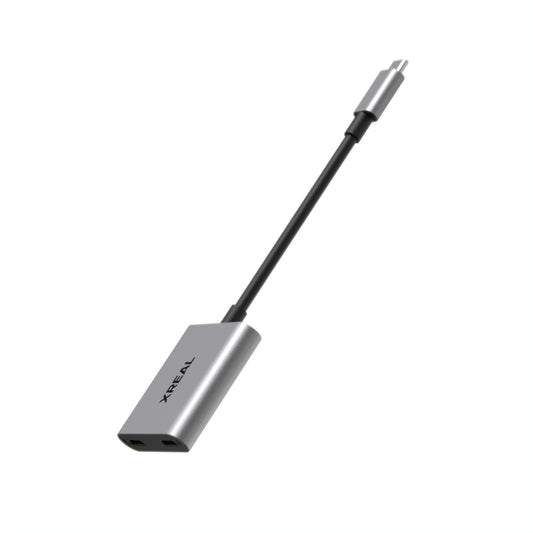
The xbx user manual asks you to confirm DisplayPort video output and then connect the glasses using the supplied USB-C cable. Do not equate USB-C charging with video output. If your device needs an adapter, check that exact adapter's video and power compatibility.
Play your chosen movie app through the full setup. Verify subtitles and audio before relying on it for an evening's viewing. Protected streaming content can depend on the source and connection path, so successful output from a menu or another app is not a guarantee that your preferred service will play.
The source device still runs the app and controls playback. Keep it stable and within reach, and rehearse pausing the film without tugging the cable. If you want charging while watching, verify a compatible arrangement rather than assuming a generic splitter will handle both power and video.
Make the reclining test specific
Try the glasses with the pillow and position you normally use. Adjust the frame, then look at the centre and corners of the picture. Use a film with subtitles: that makes it easier to notice whether the lower edge is fully visible and whether the optical fit is right for you.
A virtual screen equivalent describes apparent image size; it does not guarantee text legibility, a comfortable viewing distance or a particular experience when lying flat. Start with a setup you find easy to follow rather than treating the advertised diagonal as a comfort target.
Do not transfer another XREAL model's features to xbx a01+. If native spatial screen modes are important, compare a model that explicitly lists them, such as XREAL 1S. Its product documentation describes Anchor and Follow modes through the X1 chip. Choosing between these models should start with the viewing behaviour you want, followed by fit and the complete connection kit.
Know when glasses are the wrong format
A tablet stand may be simpler if you want to share the picture or avoid wearing anything against your pillow. A television is another option when the room already has one in a useful position. Neither choice needs to be dismissed for display glasses to have a place: xbx a01+ is most relevant to a solo viewer who prefers a lightweight personal display and has a working compatible source.
Keep cables away from places where they can snag, and put the equipment away when you finish. If the frame feels uncomfortable or the image does not work for you, change position, adjust the fit or use the source screen. The product is not a treatment for posture, eye strain or sleep problems.
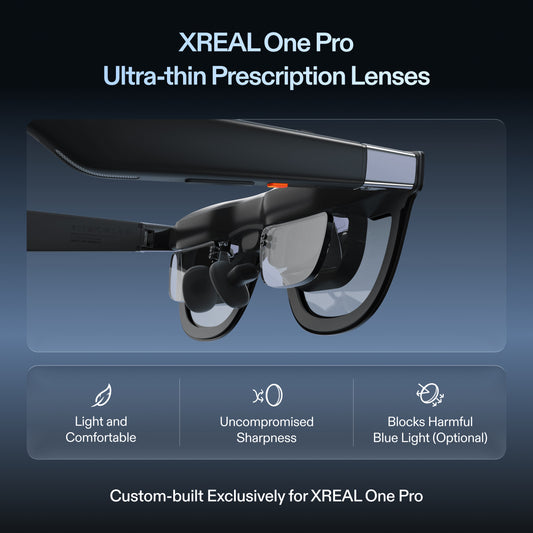
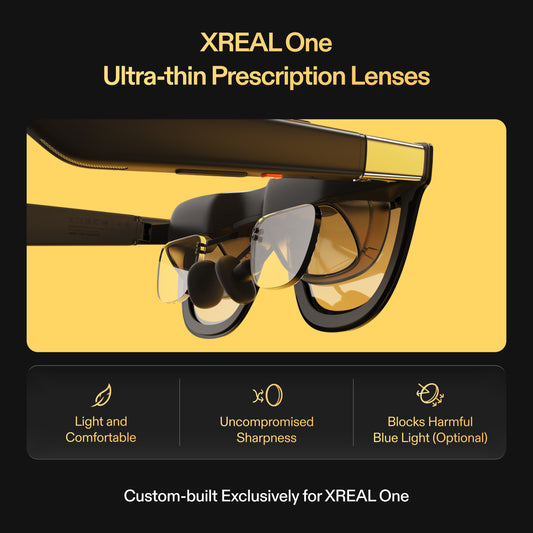
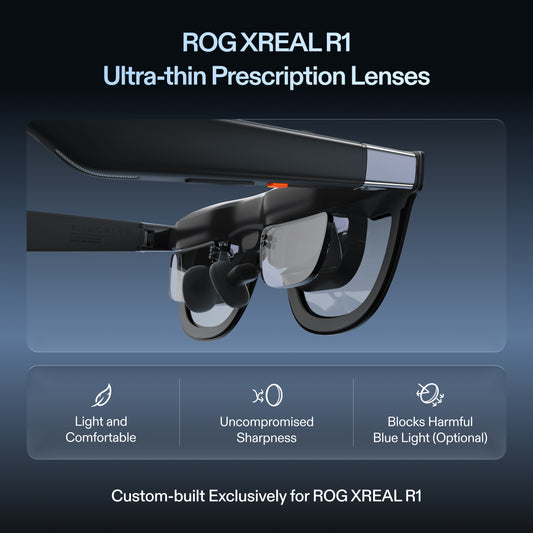
Check prescription compatibility if needed and read the local return terms before buying. See XREAL xbx a01+ details and current options in the US store.