








A Private Movie Screen in Bed: XREAL, iPhone Connections and Audio
Display glasses can give you a personal movie image while looking upward in bed without projecting light onto the ceiling. XREAL is a candidate when the fitted glasses and your phone's video output work together. For a compatible USB-C iPhone such as iPhone 15, start with direct video output and the supported glasses cable; for a Lightning iPhone, budget a supported Lightning-to-HDMI and powered HDMI-to-USB-C chain instead of a charge-only USB cable.
Model-specific images and specifications
Manufacturer specifications checked on 6 November 2026. Images identify the named models; they are not to scale. Maximum specifications do not establish the result of every source, mode or fitted setup. Foreign-store links below are technical references, not local availability or price offers.
XREAL Air 2
Source: XREAL · XREAL Air 2
| Parameter | Manufacturer specification |
|---|---|
| Field of view | 46° |
| Display | 1920 × 1080 per eye |
| Maximum 2D refresh | 120 Hz |
| Weight | 72 g |
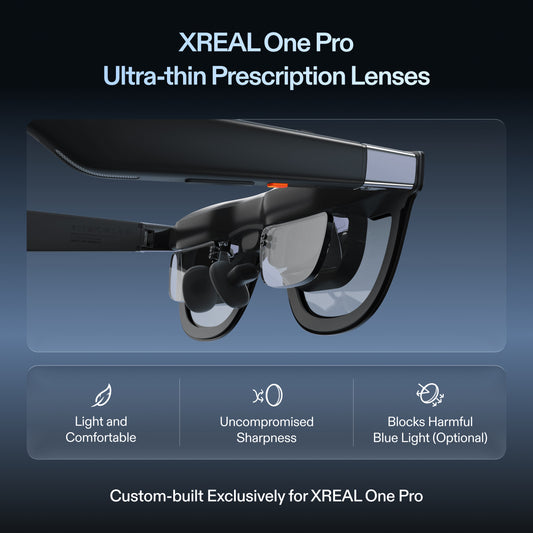
XREAL One Pro
Source: XREAL · XREAL One Pro
| Parameter | Manufacturer specification |
|---|---|
| Field of view | 57° |
| Per-eye resolution | 1920 × 1080 |
| Maximum refresh rate | 120 Hz |
| Spatial positioning | Native 3DoF; X1 chip |
| Weight | 87 g |
| IPD sizes | M 57–66 mm; L 66–75 mm |
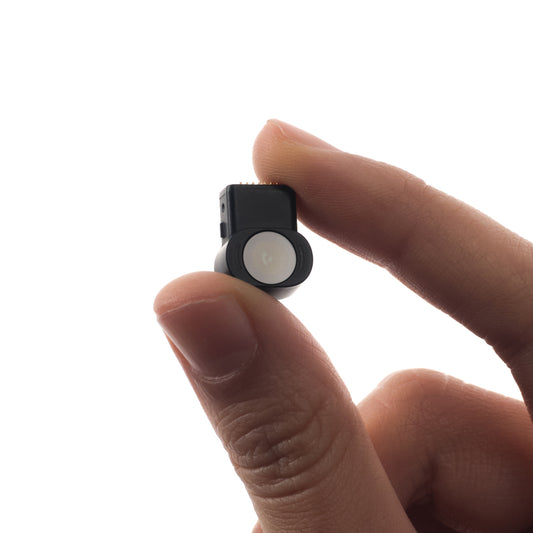
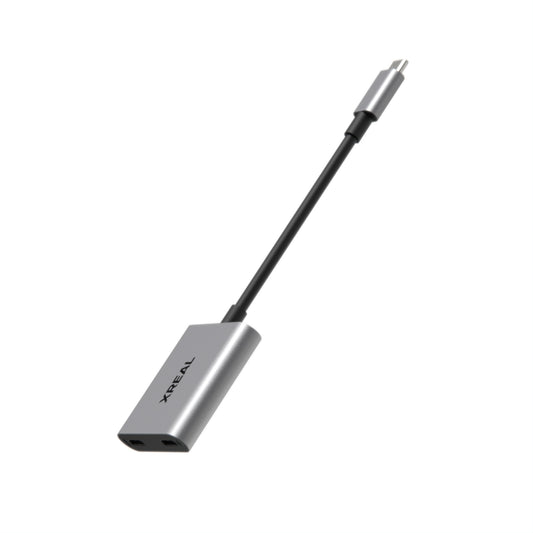
PeakDo HDMI to USB-C Adapter
Source: PeakDo · PeakDo HDMI to USB-C Adapter
| Parameter | Manufacturer specification |
|---|---|
| Direction | HDMI input → USB-C video output |
| Power | External power required |
| Compatibility | Manufacturer lists XREAL Air 2; verify full source chain |
This is a worn image, not a ceiling projector
Only the wearer sees the main display through the optics; the image is not thrown onto the room surface. You still need a source for the film, power and a usable app/account. A large apparent screen is different from a shared projection that another person can watch.
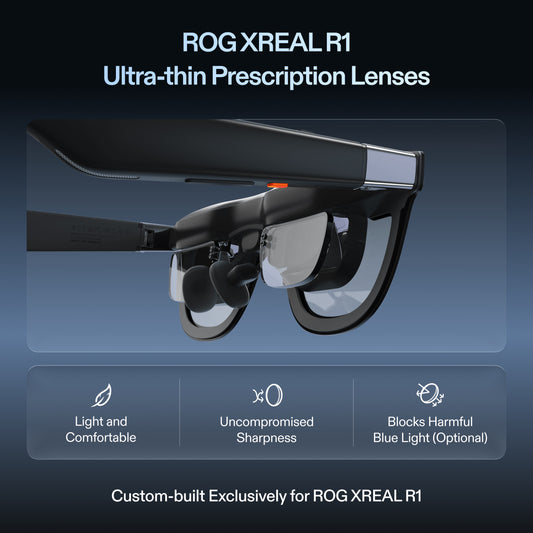
The US Air 2 listing gives 72 g, 46° field of view and 1920 × 1080 per eye, with supplied nose-pad/temple adjustment options. One Pro is a different 87 g, 57° model with native 3 DoF. Compare the actual wearing position; a lower stated weight does not prove that an arm pressing against your pillow will be comfortable.
iPhone: choose by the video capability, not the connector name
| Source | Configuration to evaluate | What not to assume |
|---|---|---|
| iPhone 15 or another Apple-listed USB-C video model | Phone's DisplayPort output → compatible glasses cable | Not every USB-C iPhone model supports external video |
| Lightning iPhone | Compatible Lightning Digital AV/HDMI output → supported powered HDMI-to-USB-C converter → glasses | A charging lead cannot perform this conversion |
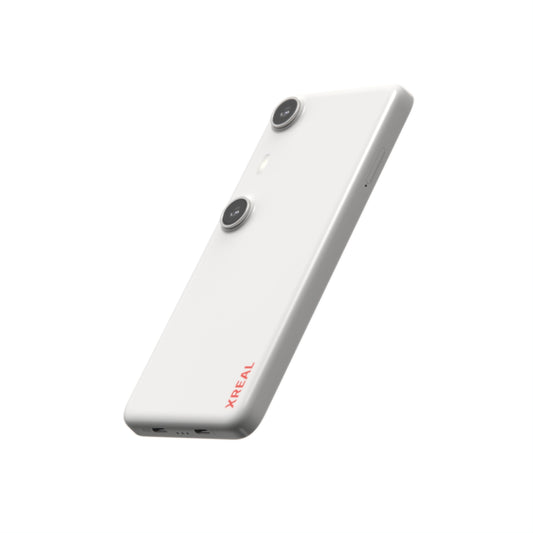
| Beam Pro | Install/use supported apps on the companion itself | It is not the wired HDMI input converter in the Lightning path |
Apple's USB-C support page lists the supported models and DisplayPort video requirements; check your exact device, including exceptions. A specific converter maker such as PeakDo lists XREAL compatibility, but the complete Lightning/app/DRM path still needs a demonstration. For an old phone, a dedicated supported media source may be less cumbersome than carrying a chain of adapters.
A useful bedtime trial
With your final prescription insert if needed, recline in the intended position. Read subtitles and pause controls at the edges. Route the cable toward the source so turning your head does not pull the frame or trap the connector beneath the pillow. Try a normal film segment rather than judging comfort from a standing showroom view.
The built-in speakers are not a guarantee of silence for the person beside you. Use headphones paired/connected to the actual media source when quiet audio matters, and test synchronisation. Keep the phone and power equipment in a supported, ventilated position rather than under bedding.
Decide what is actually necessary
If direct video supplies the film and the image position works, do not add a companion merely to make the cart look complete. If you need offline apps independent of the phone, compare a supported Beam Pro setup separately. Test an actual downloaded title without network access before travel or relying on offline viewing. Custom lenses, charging equipment and the source belong in the complete purchase price; the glasses price alone does not establish a ready-to-watch kit.
Continue planning the setup
Related guide: Camera AI Frames or Display Glasses for Movies in Bed?
Verified product facts
| Parameter | Documented value / condition |
|---|---|
| XREAL One Pro | 57° field of view; X1 native 3DoF; up to 120 Hz |
| IPD sizing | M: 57–66 mm; L: 66–75 mm. Verify fit before ordering |
Product details are taken from the cited manufacturer documentation. Confirm the selected regional product and its current instructions.


XREAL Air 2 · manufacturer source
Frequently asked questions
Do these glasses project a film onto the ceiling?
No. The wearer sees the display through the glasses. A room projector and a worn personal display are different products.
Will every USB-C iPhone output video?
No. Check the exact iPhone model against Apple’s current wired-display guidance. A USB-C connector alone does not prove video output, and app or DRM restrictions can still apply.
Can open-ear audio disturb a sleeping partner?
It can, depending on level and position. Test at the actual listening level; use compatible private headphones if quiet playback is essential.
Can I order the same insert for all XREAL models?
No. Confirm the exact frame, lens provider and prescription. A supplier page for Air 2 Ultra is an example for that model, not proof of One Pro or Air 2 insert compatibility.
When is Beam Pro useful for movies?
It is useful when a separate Android application source solves an identified need. It is not automatically needed when your existing source already outputs compatible video, and it is not an HDMI-input adapter.