








XREAL Nose Pressure After Two Hours: Fit Options, Owner Reports and a Sensible Trial
Some XREAL owners report nose or temple discomfort, while others describe comfortable longer sessions; an aftermarket pad is not a guaranteed fix. Start with the supplied fitting options and the exact model, prescription arrangement and cable route. Air 2’s official page lists 72 g, three nose-pad sizes and three-position temple adjustment, giving concrete changes to try before assuming a different pad solves everyone’s face fit.
Notebookcheck · XREAL One Pro review: Notebookcheck’s reviewer found text uncomfortable below One Pro’s stated IPD range. This individual, manufacturer-supplied-sample experience is a reason to check fit, not a universal optical measurement.
A fit decision you can make before changing the hardware
If the bridge starts hurting, pause the session and change one fit variable rather than adding pressure to keep the image centred. Air2 documents three nose-pad sizes, a three-position temple adjustment and72g glasses weight. Use those intended fit options first; One Pro's M/L IPD choices are a different model-specific decision and are not a universal fix for an Air2 bridge.
| Symptom during a proposed seated trial | First thing to check | Decision boundary |
|---|---|---|
| Nose pressure increases with time | Pad size/position and cable pull | Stop if uncomfortable; do not force a longer session to prove comfort |
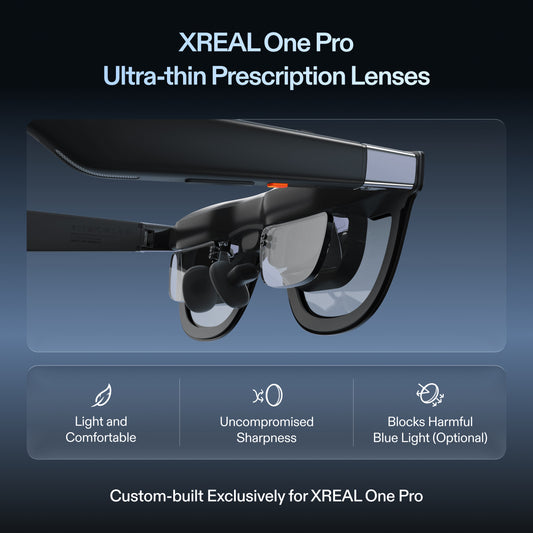
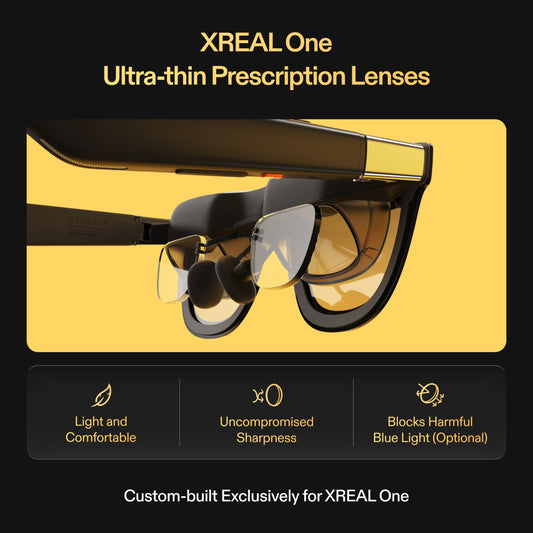
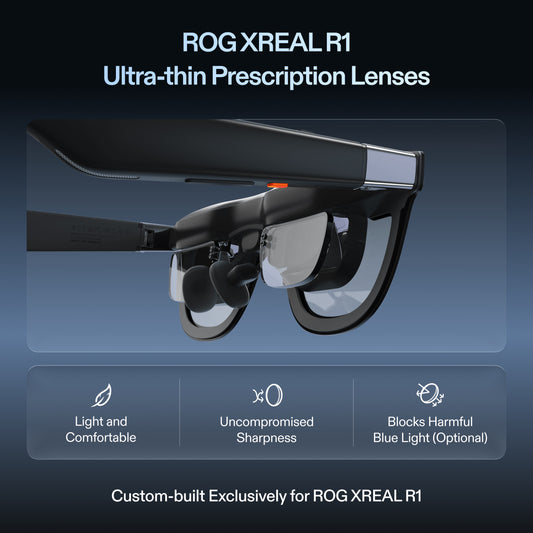
| Clear image requires a strained fit | Temple adjustment, correct model size and any prescribed insert | Ask for fitting help before buying an aftermarket modification |
| Cable pulls more on one side | Route slack toward the source without snagging | Re-test the same posture after changing only routing |
| A pad modification is advertised as a cure | Exact model fit, reversibility and seller terms | An individual report does not prove it fits every face or preserves every warranty condition |
Take a fit note containing the model, pad position, source/cable route, visual correction and when you first wanted to remove the glasses. Try your ordinary seated task rather than just a short showroom clip. For support, use the official fitting instructions and contact route linked below. No quoted pad review establishes a universal two-hour comfort outcome.
What the owner reports do and do not show
The linked first-hand discussion includes an owner describing a nose-piece modification on an earlier Air model but not needing it with Air 2. A separate Air 2 Pro review after about forty hours is useful for reading about optical fit and usage. These are individual accounts, not a controlled sample or an estimate of how many buyers develop pain. Keep the original Air, Air 2 and Air 2 Pro distinct when reading comfort reviews.
| Adjustment to assess | What to record |
|---|---|
| Supplied pad size and permitted temple setting | Whether the image is aligned without excess pressure |
| Prescription insert/correction | Whether you are straining to see the text |
| Cable routing in the real seat | Whether cable pull changes the fit |
| Proposed session | When discomfort begins and whether you want a break |
Test your actual reading task
Use a short representative task first and stop if it is uncomfortable. Increase only as your own comfortable use permits; there is no universal two-hour test requirement. Do not keep wearing through pain to prove the purchase works. A pad that reduces pressure but shifts the image out of alignment may not be a good tradeoff.
Ask XREAL which replacement pads or adjustments are approved for the model before modifying hardware or buying an accessory. The warranty distinguishes covered faults from unapproved modifications and physical damage. If the supplied fitting options do not give an acceptable result, compare a physical monitor rather than assuming you must purchase another modification. This is a product-fit decision, not a diagnosis of a medical condition.
Model specifications
| Parameter | Documented information |
|---|---|
| One Pro | 57° field of view; X1 native 3DoF; up to 120 Hz |
| One Pro IPD options | M: 57–66 mm; L: 66–75 mm |
| Compatibility | Video-capable source, correct adapter direction and documented power path |

Frequently asked questions
Does a third-party nose pad guarantee that bridge pain disappears?
No. Start with the model’s intended adjustment options and ask about a reversible compatible part. A change that helps one owner may alter fit or image position for someone else.
Should I buy One Pro M or L as a substitute for adjusting Air2?
Those are One Pro model sizes selected against its documented IPD ranges. They do not describe an Air2 nose-pad size or prescribe a solution for discomfort.
What should I change first if the cable is pulling?
Add sensible slack toward the source and remove snagging or one-sided tension, then try the same seated posture again. Do not bend or modify the glasses to compensate for the cable.
What do I tell support about a fit problem?
Give the exact model, pad/temple settings, correction insert if used, cable route and the task/time at which discomfort started. Stop an uncomfortable trial and ask for model-specific fitting options.