








Coding on Display Glasses or a Portable Monitor: Compare Readable Text, Not Virtual Inches
For coding, choose the display on which your actual editor, terminal and reference text remain readable at a comfortable scale. XREAL Air 2 is documented at 1920 × 1080 per eye; its virtual screen size is not equivalent to a 4K desktop. A portable monitor has its own model-specific resolution and physical viewing geometry. Neither the AR label nor a resolution figure proves that you can read code comfortably for a full session.
Compare one usable1080p workspace before paying for virtual size
The buying decision is whether you can keep your editor, terminal and reference text usable in the actual work posture. Air2's1920×1080 specification is per eye: two eyes viewing the scene do not create a3840-pixel-wide desktop. A57° field of view on One Pro is also not a promise of4K text detail.
| Proposed editor trial | Set up the same job | What would favour the physical monitor |
|---|---|---|
| Source code and terminal | Open your normal project and one real log; start at the OS and editor scaling you normally use | Required punctuation or side-pane text remains hard to distinguish |
| Centre and edge text | Move the same line of text to both locations; use the correct prescription/fit | You keep repositioning the glasses or enlarging essential text |
| Typing and calls | Put the keyboard, pointer and camera where they will be at work | A private worn screen interferes with your regular shared-view task |
| Pack-and-connect | Include case, video cable, source and any correction/charging accessory | The complete kit is no easier for your repeated trip than the monitor kit |
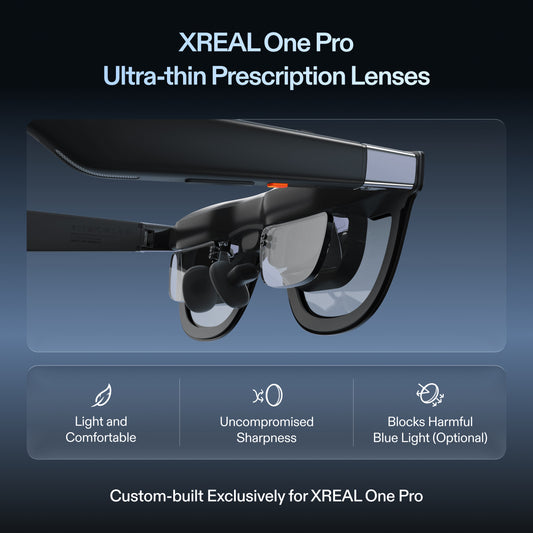
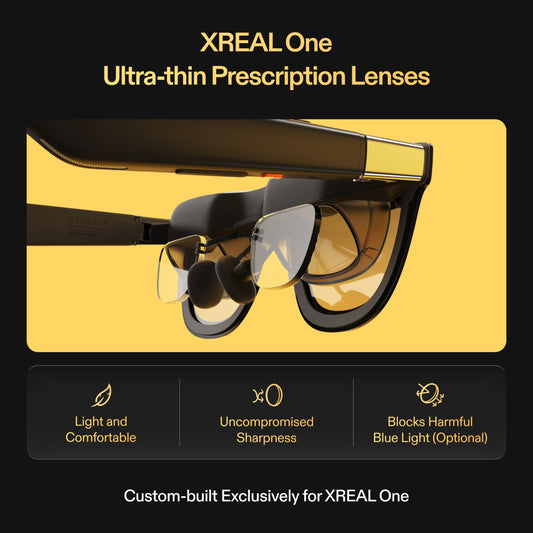
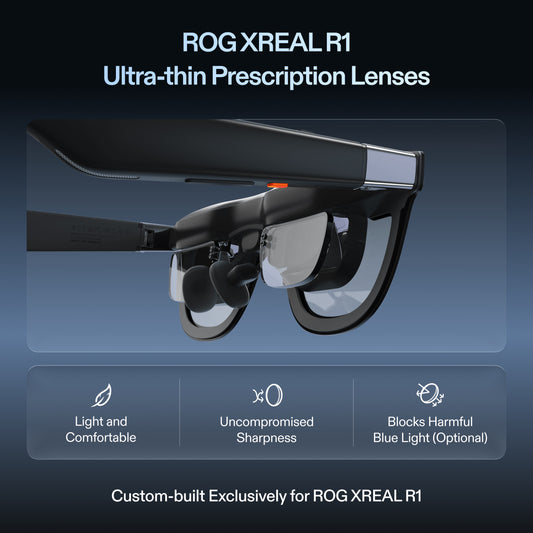
For Windows, use its display settings to choose the offered external resolution and scaling, then adjust the editor's own font/zoom independently. For macOS, use Displays settings and the application text controls. These are proposed setup steps; a device offering a scaled layout does not increase Air2's physical panel resolution. For prescription inserts, confirm the exact glasses model and the supplier's required per-eye measurements, and try the completed insert before deciding from an uncorrected demonstration. A One Pro accessory price or fit should not be substituted for an Air2 insert.
Use real model specifications
| Device | Manufacturer specification | Consequence for the comparison |
|---|---|---|
| XREAL Air 2 | 1920 × 1080 per eye, 46° field of view, 72 g glasses | Compare legible content in your fitted optical view; do not add the two eye panels into a single 3840-pixel desktop |
| Your selected portable monitor | Record its exact resolution, panel size, refresh and net weight | Test that physical panel with its complete carried kit; a family name does not establish 4K |
| Another portable screen | Exact part number and current manufacturer sheet required | Do not treat an entire monitor family as one resolution or weight |
The Air 2 weight is glasses-only; source, case and accessories remain part of the travel kit. Measure both complete setups rather than comparing glasses-only weight with an entire monitor kit. Manufacturer specifications are not an independent text-sharpness test.
Run a short acceptance trial on your code
Open the same project, theme and file on both candidate displays. Use the operating-system and application scaling you would actually work with; forcing the same tiny font size is not a useful test. Include punctuation that is easy to confuse, a dense terminal log and a reference page. Check text near the centre and the edges of the usable view.
Put the keyboard and pointing device where they will be in your hotel or desk setup. Use the prescribed correction and fit that the glasses supplier confirms for you. Record whether you can read the needed panes without repeatedly enlarging text or changing posture. For the monitor, include its stand, cable routing and available desk depth.
What the hardware numbers do not decide
Air 2’s documented up-to-120 Hz 2D rate does not create more text pixels and does not prove low end-to-end latency through every adapter. For sustained coding, usable font rendering, fit and the whole connection matter. An anchored view or several virtual desktops require the exact supported accessory or software path; they are not implied by Air 2’s panel resolution.
Choose glasses when the personal fitted view works on your source and avoiding a separate panel is valuable for your workspace. Prefer the tested portable screen when it makes your required text and reference arrangement easier to read or share. Neither option can be promised to prevent eye strain. Follow the device precautions, take appropriate breaks and stop a trial that causes discomfort rather than using an article’s specification comparison as a health assurance.
For an existing Air 2 owner, the useful decision is whether the current setup passes this test before adding accessories. For a new buyer, compare the complete supported kit and an actual available monitor offer. No price, productivity increase or all-day comfort is inferred here.
Product facts and images
XREAL Air 2
| Parameter | Manufacturer information |
|---|---|
| Resolution | 1920 × 1080 per eye |
| Field of view | 46° |
| Glasses weight | 72 g |
| 2D refresh rate | Up to120 Hz |

Frequently asked questions
Should I compare the two displays at the same tiny font size?
Use the same work and a comfortable usable scale on each device. Record the OS scaling and editor zoom so a change in settings is not mistaken for a change in panel resolution.
What text makes a useful coding check?
Use punctuation such as braces, commas and semicolons in your actual editor, a dense terminal log and the reference pane you need. Check the same text at the centre and edge of the view.
Does an extended or anchored mode create more panel pixels?
No. Treat virtual layout and anchoring as separate capabilities of the exact hardware/software path. They do not turn Air2’s per-eye1080p panel into a4K physical display.
What if I normally use prescription lenses?
Ask for the insert matched to the exact glasses and your prescription, using the lens professional’s required measurements. Evaluate text with the completed correction and intended fit, not an uncorrected showroom view.