






Choosing XREAL Glasses for Gaming: One Pro, 1S or ROG R1?
XREAL One Pro is worth considering when you want a large personal view of games from a compatible handheld, computer or console. Its useful advantage is the display format and native spatial modes, rather than extra gaming performance. Start with your source device and the games you play; the glasses do not replace either.

Decide what your current screen is missing
For a handheld player, the appeal is keeping the controls in your hands while seeing a larger virtual picture. For a desktop or console player, the question is whether a personal display suits your room and seating arrangement better than the monitor or television you already own. If you regularly share the screen with friends, watch another player's turn, or need a common view for local multiplayer, a physical screen may be more convenient.
The One Pro product page lists a 57-degree field of view, up to 120 Hz refresh and a standard virtual screen equivalent of up to 171 inches. These are useful display specifications, but they do not establish that One Pro is the best gaming glasses for every player. Your source still determines game performance, supported output modes and the detail in the image.
Build a shortlist around your games
XREAL's current model comparison helps separate the options without claiming a universal winner:
| Your priority | Model to examine | What to verify in your setup |
|---|---|---|
| A display with native spatial modes and a wider field of view | One Pro: 57-degree field of view, up to 120 Hz | Fit, game output and whether Anchor or Follow suits you |
| Native X1 spatial modes in another format | 1S: 52-degree field of view, up to 120 Hz | Optical fit and the size of image you can read comfortably |
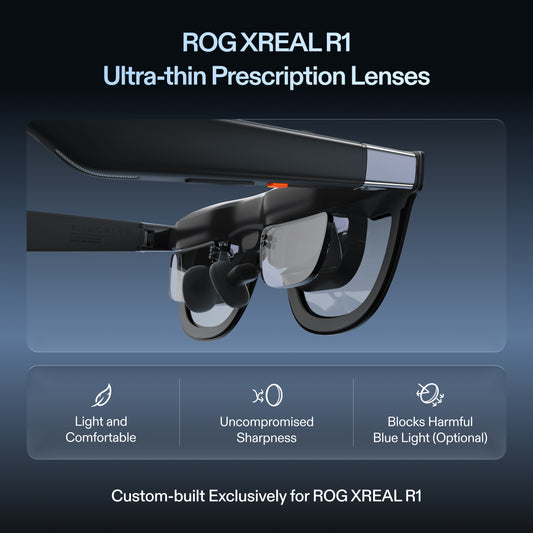
| Higher advertised refresh for gaming | ROG XREAL R1: up to 240 Hz | The exact source, connection equipment and game's supported output |
| Lower listed glasses weight | xbx a01+: 62 g | Required viewing behaviour, fit and complete cable/adapter kit |
The R1's higher advertised refresh is a reason to investigate it if that is your priority, not a promise that every console or game will output at that rate. One Pro remains relevant if its field of view and native modes match your use. Compare current local prices for the complete setup, since accessories can change the purchase decision.
Match the connection to your console
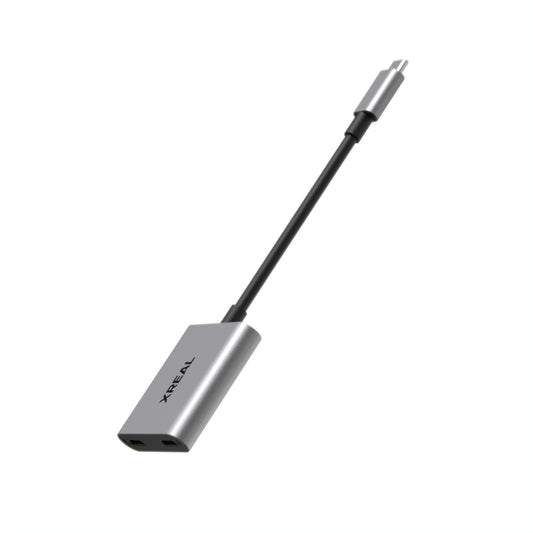
Read XREAL's device connection guide alongside the specification for your exact gaming device. Direct USB-C connection requires compatible DisplayPort video output and power. An HDMI console or a device without suitable USB-C video output needs an appropriate supported connection arrangement; a charging cable alone will not solve that.
Check the whole path, including any dock, adapter and external power requirement. If you want to charge a handheld while playing, confirm that the accessory supports simultaneous video and charging with that model. Test a real game before committing to a travel kit or replacing a monitor.
Use the spatial modes for the task
One Pro's X1 chip provides native Anchor and Follow modes without an additional app for those modes. Anchor holds the display's orientation as you turn your head; Follow moves the picture with your gaze. Try both with the game you play most often, then check how easily you can read the map, inventory and subtitles.
Ultrawide is another documented display mode, with an advertised virtual size reaching 310 inches. It should not be treated as a promise that every game supports an ultrawide aspect ratio, or that you now have several independent virtual monitors. Check the game's own settings and choose a size that keeps its interface readable.
XREAL also advertises 3 ms motion-to-photon latency. This is not total input-to-display latency for your controller, console, adapter and game. For competitive play, test responsiveness in the complete setup rather than comparing that one figure directly with an end-to-end monitor measurement.
Fit and sound can decide the purchase
One Pro is offered in IPD sizes covering 57–66 mm and 66–75 mm. Pick the appropriate range and adjust the nose pads before judging the picture. An impressive screen-size claim is of little value if you cannot see the edges clearly or the frame does not fit comfortably.
One Pro includes integrated Sound by Bose. You do not need to assume that a separate speaker is required, but consider the people around you. For shared rooms or travel, test compatible headphones through the source device if you want a more personal audio setup.
When to keep your monitor
Keep a monitor or television if you want a shared picture, a familiar competitive setup, or a screen you can use without fitting glasses. One Pro is a stronger candidate for a compatible device whose owner specifically wants a large personal view and finds the optical fit comfortable. Movie playback is another possible use of that connection, subject to the source app's external-display support.
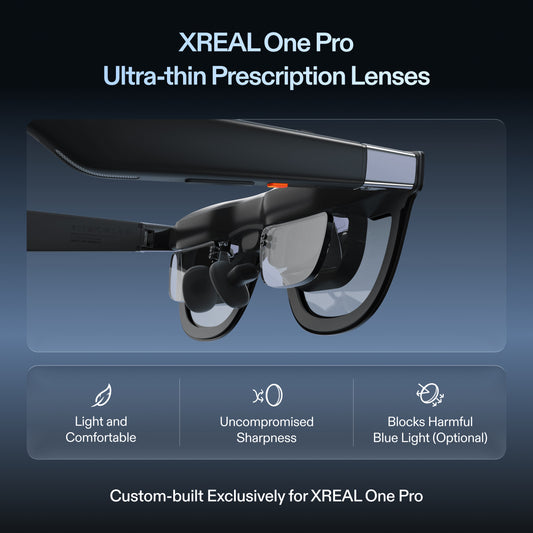
Before buying, check the complete accessory cost, prescription needs and local return terms. See XREAL One Pro sizes and current options in the US store.