







AR Glasses for Productivity: Make the Text and Workflow Work
For laptop productivity, choose XREAL One Pro if you want its 57° view, native Anchor mode and explicit M/L IPD fit; choose XREAL 1S if its 52° view meets your text needs and a lower glasses price matters more. One Pro was $539 and 1S $399 in the US listings checked 28 October 2026. Both require a compatible source. For either model, test readable text, keyboard access and a comfortable working session before replacing your normal display.
Which model fits your productivity task?
| Your work requirement | Start with | Why it fits the shortlist |
|---|---|---|
| Reading and editing in one main window at the lower checked price | XREAL 1S | $399 glasses price, 82g frame and native X1 screen positioning |
| A wider published view and clearly specified IPD sizes | XREAL One Pro | 57° view, 87g frame and M/L ranges; $140 above 1S at the checked prices |
| Several windows side by side on one wide desktop | A model and host with supported ultrawide output | Confirm the host’s actual output mode; this is one wider desktop, not automatically several monitors |
| Showing work to a colleague or relying on a familiar all-day desk | A physical monitor | Shared viewing and your existing desk arrangement can matter more than a wearable view |
One Pro’s specific advantage over 1S here is its wider published view and explicit fit options. Choose after reading your own document in both candidates, because a wider field of view alone cannot decide optical clarity for your eyes.
Use a real work sample
Open a code file, a spreadsheet and the browser page you normally reference. Match your usual font and zoom, then make a small edit, scroll and switch focus. Include window edges, menus and cell labels in the check; a sharp central demo image does not prove the whole workspace is usable.
Choose a layout you can maintain
Start with your editing window centred and one reference nearby. Supported ultrawide mode creates room for side-by-side windows on one desktop. It is different from several independent virtual monitors, which require a specifically compatible software path. The One-series guide explains selecting an extended rather than mirrored ultrawide display and notes host limitations.
Test a work session, not only a showroom image
Use this practical trial with your normal chair, keyboard and prescription setup. The durations are a suggested evaluation sequence, not a medical limit or a manufacturer endurance claim.
| Stage | What to do | Record before continuing |
|---|---|---|
| Initial fit | Choose the correct IPD size, adjust the nose pads and temples, then read the centre and all four corners | Text clarity, edge clipping and pressure points |
| First 15 minutes | Edit a familiar document with your normal font, scroll and switch to a reference | Whether zoom, screen size or window placement needs changing |
| Next 30–45 minutes | Repeat the real task, including meetings or calls if relevant | Need to re-centre, cable pull, nose/temple pressure and ease of typing |
| Reconnect | Unplug and restore the intended arrangement | Time and steps needed to recover the working layout |
The One-series fitting guide describes three nose-pad choices, three temple angles and IPD adjustment. Use those controls before judging the text. Keep the editing window near the centre, enlarge text instead of leaning toward it, and position the source so the cable does not pull on the frame. Take ordinary breaks and end the trial if it becomes uncomfortable. A good first five minutes does not establish comfort for an entire working day.
Keep a simple pass/fail record for readability, input, fit and reconnection. If a required task fails, retain the laptop screen or monitor for that task while checking another arrangement.
Make Mac compatibility specific
For the native One Pro route, start with the glasses’ built-in Anchor and supported Ultrawide mode and the Mac’s display settings. Extend the desktop instead of mirroring it when that is the intended layout, then place the editor and reference windows side by side. Test after reconnection before relying on it for travel.
Record the Mac model, macOS version and selected output resolution/refresh rate. A separate virtual-monitor application is a different software path: require an explicit One Pro and macOS compatibility statement before depending on it. An older guide for a different XREAL generation is not that evidence.
Audio and calls in a shared workspace
For a computer, the One-series guide says to select XREAL One/Pro as the audio output; you can instead choose connected Bluetooth headphones in the computer’s sound controls. Use headphones for meetings in a shared space and test microphone input separately in your conferencing app. Display output, speaker selection and microphone routing are separate settings.
Choose fit and a next step before buying
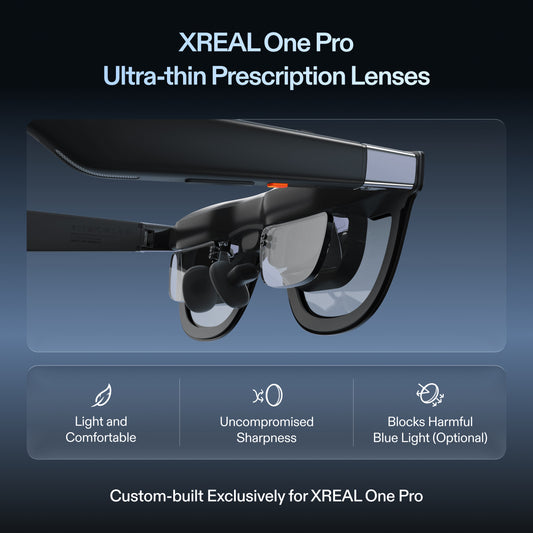
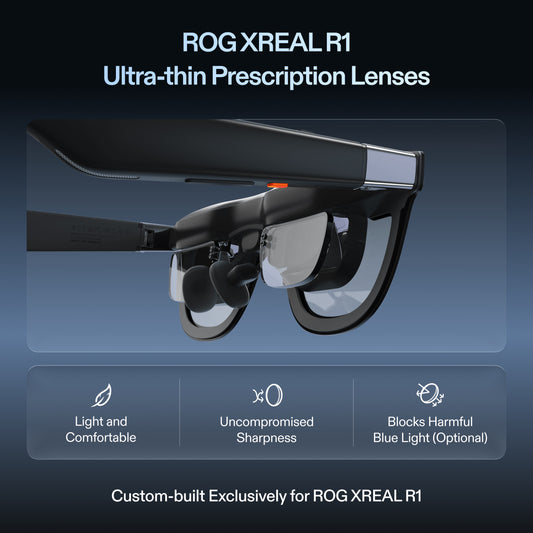
Use the listed M/L IPD ranges as an initial selection, confirm any prescription insert and check readability in your normal chair. For mobile work, include power and controls. If the setup succeeds for your actual documents, compare the $539 checked US glasses price with the cost of the complete alternative; do not assign an invented productivity percentage to a larger view.
XREAL One Pro: the relevant specifications

Image: XREAL.
| Parameter | Published detail |
|---|---|
| Display | 1920 × 1080 pixels per eye; up to 120Hz |
| Field of view | 57° |
| Glasses mass | 87g, excluding cable |
| Screen behavior | X1 chip; native 3DoF, Anchor and Follow |
| Fit sizes | M: IPD 57–66mm; L: 66–75mm |
| Video input | USB-C video from a compatible source |
The US listing showed $539.00 USD on 28 October 2026. This is the glasses or accessory price, before applicable tax and any separately selected items. Check the official XREAL One Pro page; dimensional and display details are cross-checked against the XREAL device table (57° for One Pro; 52° for 1S).
XREAL 1S: the relevant specifications

Image: XREAL.
| Parameter | Published detail |
|---|---|
| Display | 1200P advertised display class; up to 120Hz |
| Field of view | 52° |
| Glasses mass | 82g, excluding cable |
| Screen behavior | X1 chip; native 3DoF |
| Input | Compatible USB-C video; source supplies content and power |
| Vision correction | Model-specific One/1S prescription service |
The US listing showed $399.00 USD on 28 October 2026. This is the glasses or accessory price, before applicable tax and any separately selected items. Check the official XREAL 1S page; dimensional and display details are cross-checked against the XREAL device table (57° for One Pro; 52° for 1S).
Plan power for the actual session
The XREAL connection guide states that a direct USB-C display draws power from the host. A laptop or handheld therefore supplies both its own workload and the glasses. Game settings, source brightness, battery condition and charging arrangement affect the useful session length; a generic phone-runtime estimate is not a measured result for your game or document task.
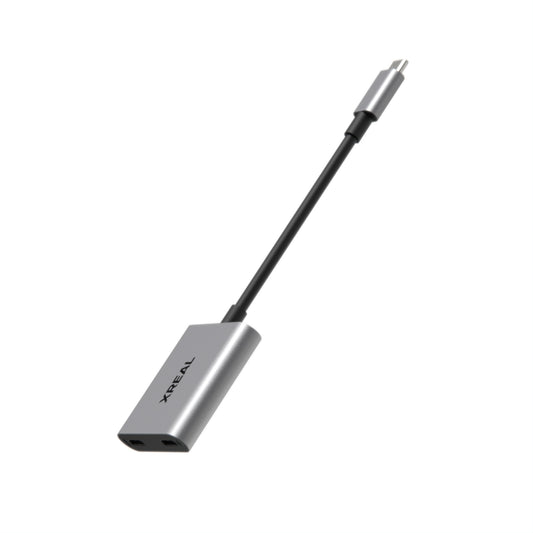
For a useful pre-trip check, run your normal task for a fixed interval with the same settings, first on the host screen and then through the glasses. Note the battery percentage change, elapsed time, output mode and accessories. This is a test procedure, not a published battery benchmark. For a longer session, confirm a compatible video-and-charging path and power supply rather than assuming an ordinary USB-C splitter carries video.
FAQ
Are these the best glasses for all coding and spreadsheets?
No universal ranking is established. Evaluate the exact fonts, app controls, optical fit and work duration you need.
Can I judge all-day comfort from the weight specification?
No. Frame mass is only one input. Test IPD fit, nose and temple pressure, cable pull, posture and your actual text over a working session. This guide provides a trial procedure rather than a promise of eye comfort or an all-day replacement.
Does a cable create multiple monitors?
It can provide a supported external display. Independent spatial monitors require a compatible software arrangement; ultrawide is one wider desktop.
Why consider XREAL for this job?
One Pro provides native X1 screen positioning, a published 57° view and explicit IPD sizes, giving you concrete hardware and fit criteria to test.
Check the connection with its source
VESA documents DisplayPort video over USB-C; confirm the source supports it.
Check the model and complete your setup
Check XREAL One Pro fit and accessories in the US store. Start with your IPD size and host video output, then use the work-session checklist above to decide whether this setup meets your daily task.
Specifications and US listing details checked 28 October 2026. This guide uses attributed manufacturer information and practical setup checks; it does not report an independent lab ranking.