








More Room for Tabs and Documents Without Carrying Extra Monitors
For hot-desking, XREAL One Pro can put a compatible laptop’s workspace in a private wearable display while leaving the table available for its keyboard and trackpad. Use an extended ultrawide desktop to arrange documents side by side where the host supports it. One wide desktop is different from several independent spatial monitors, and neither arrangement makes small text automatically readable.
Start with two windows, not an imaginary wall of screens
Put the document you edit in the centre and a reference page beside it. Increase application zoom until small labels are readable, then switch between them using your normal shortcuts. Add a spreadsheet only when the first arrangement is comfortable. This tests useful work rather than maximising an advertised screen count.
Set up the actual laptop path
Confirm DisplayPort video over USB-C on the computer, use a compatible video cable and select an extended display in the operating system. For supported One-series hosts, enable Ultra-Wide in the glasses menu and disable mirroring in the computer display settings. The official guide describes this path and notes that ultrawide mode is limited to selected devices. Recheck the mode after reconnection.
Understand the screen-count boundary
The computer can place several app windows on one extended desktop. Independent virtual monitors require a specifically supported software arrangement; they are not created simply by plugging in a cable. Before buying for Mac, test your Mac model, OS version and required display mode. Keep a working fallback when a job depends on an unverified multi-monitor application.
Adapt the layout to the seat
At a coffee-shop table, keep the laptop accessible for controls and cable management. On a train or plane, use fewer windows and a readable scale rather than forcing a panoramic layout into every seat. For hotel coding, test the terminal font, editor sidebar and browser together. A private glasses view does not hide a mirrored laptop screen, and open speakers are not silent.
XREAL One Pro: the relevant specifications

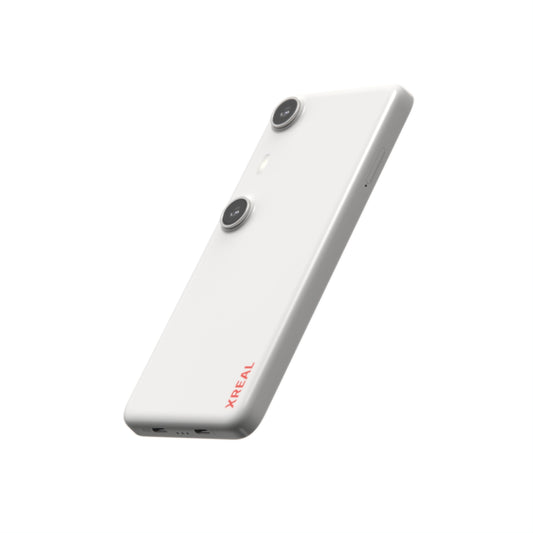
Image: XREAL.
| Parameter | Published detail |
|---|---|
| Display | 1920 × 1080 pixels per eye; up to 120Hz |
| Field of view | 57° |
| Glasses mass | 87g, excluding cable |
| Screen behavior | X1 chip; native 3DoF, Anchor and Follow |
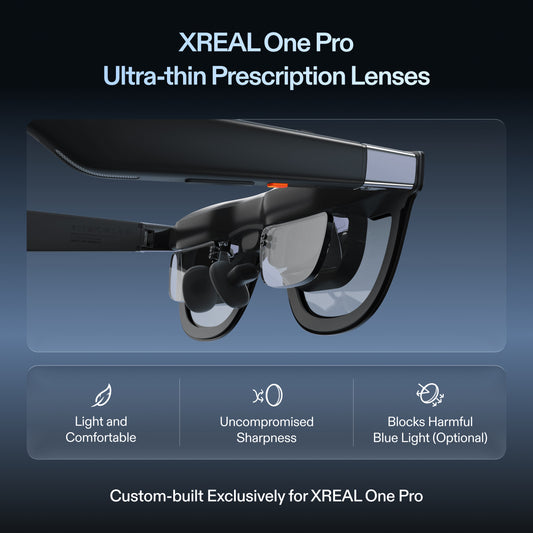
| Fit sizes | M: IPD 57–66mm; L: 66–75mm |
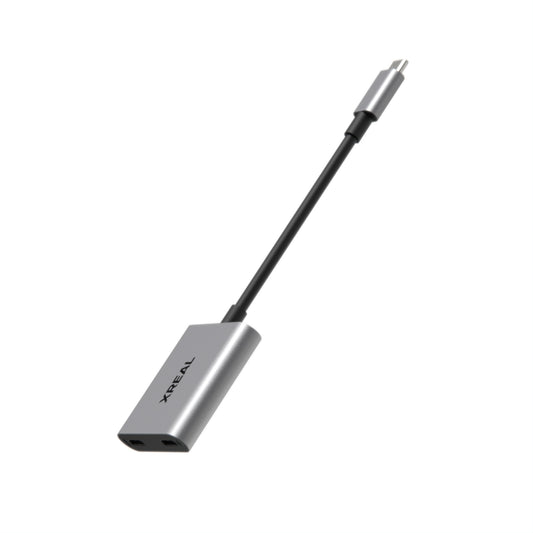
| Video input | USB-C video from a compatible source |
The US listing showed $539.00 USD on 28 October 2026. This is the glasses or accessory price, before applicable tax and any separately selected items. Check the official XREAL One Pro page; dimensional and display details are cross-checked against the XREAL device table (57° for One Pro; 52° for 1S).
Compare the complete setup
| Need | Wearable workspace | Physical extra monitors |
|---|---|---|
| Small table | No additional display stand on the table | Panels and stands need room |
| Shared client review | Personal view; laptop still needed to share | Several people can see a physical panel |
| Precise small text | Requires optical fit and readable scaling | Requires appropriate pixel density and viewing distance |
FAQ
Can I spread several browser tabs across the view?
You can arrange separate application windows on a supported extended desktop. Browser tabs must first be moved into separate windows if you want to view them side by side.
Does this add several independent monitors?
A supported ultrawide desktop is one display with several windows. Multiple independent virtual monitors depend on the exact compatible software and host.
What should a spreadsheet user test?
Check cell labels, formula editing, scrolling and reference switching at your normal zoom before committing to long sessions.
Check the connection with its source
VESA documents DisplayPort video over USB-C; confirm the source supports it.
Check the model and complete your setup
Compare XREAL US options and check your model, fit and accessories. Confirm the full cost, stock and source compatibility before ordering.
Specifications and US listing details checked 28 October 2026. This guide uses attributed manufacturer information and practical setup checks; it does not report an independent lab ranking.