







One-Bag Travel: Display Glasses or Extra Physical Screens?
For one-bag travel, XREAL One Pro is worth testing when you already carry a compatible laptop and need a personal second view without another panel on the table. Its glasses weigh 87g excluding the cable, but a fair packing comparison must include the case, accessories and any additional source. The right choice depends on the whole bag and the work you can comfortably complete.
Measure the extra items going into your bag
Weigh the items added for each option: glasses, cable, case and any adapter versus panel, stand and cables. Keep the laptop in both totals if you carry it either way. A dual-screen travel product includes different mechanics and dimensions, so do not subtract its advertised total from the glasses-only figure. Record dimensions as well as grams.
Use the smallest table you expect to work on
Set up on a tray-sized surface with the laptop controls accessible. Read a document, edit a sheet and check whether the cable pulls when you turn. The advantage of a wearable image is that another display does not need a tabletop stand. That does not establish comfort in every seat or eliminate a keyboard surface.
Make privacy a complete workflow
The image is personal to the wearer, but a mirrored laptop can still show the same content to neighbours. Use an extended layout or manage the host display where supported, and select headphones when audio matters. For confidential work, follow your organisation’s requirements rather than treating glasses as a complete privacy control.
Prepare a fallback for demanding text work
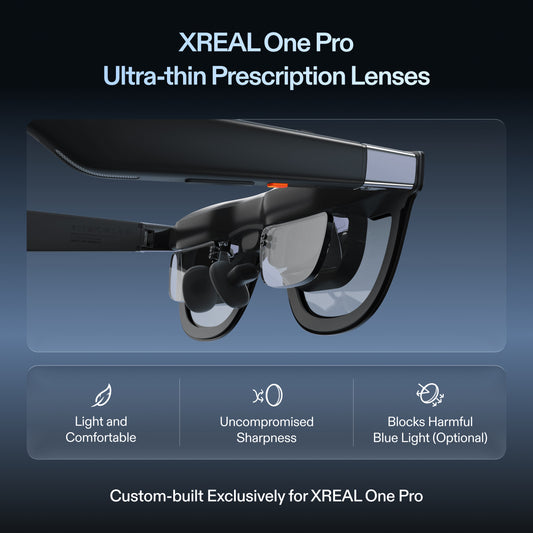
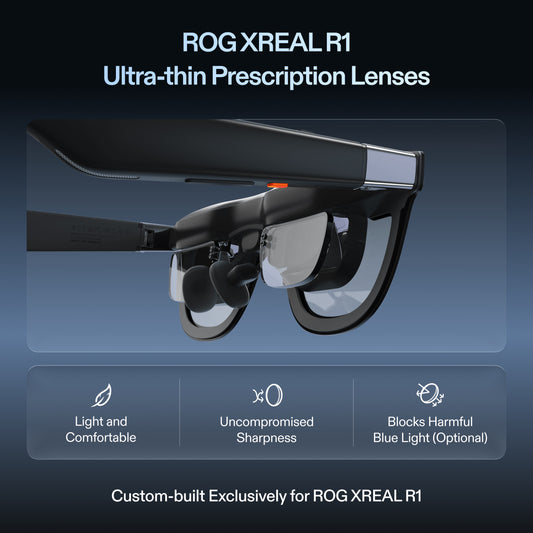
Match optical fit and text scaling to your actual editor. Coding and spreadsheet work can expose edge readability issues that a film does not show. The official One-series guide documents nose pads, temple adjustment and supported ultrawide output. Try those normal adjustments and keep a usable laptop layout for sessions where glasses are not comfortable.
XREAL One Pro: the relevant specifications

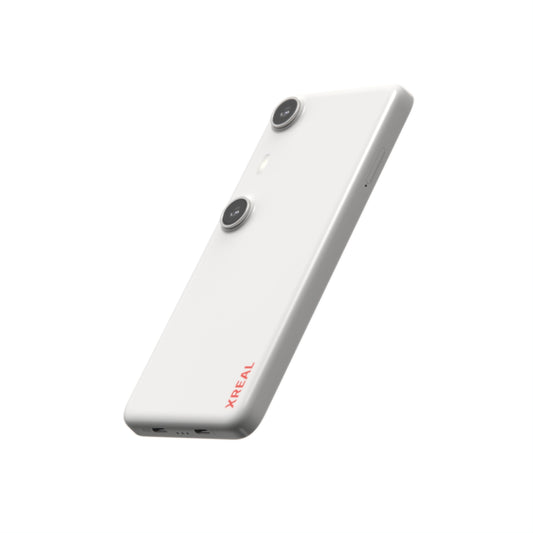
Image: XREAL.
| Parameter | Published detail |
|---|---|
| Display | 1920 × 1080 pixels per eye; up to 120Hz |
| Field of view | 57° |
| Glasses mass | 87g, excluding cable |
| Screen behavior | X1 chip; native 3DoF, Anchor and Follow |
| Fit sizes | M: IPD 57–66mm; L: 66–75mm |
| Video input | USB-C video from a compatible source |
The US listing showed $539.00 USD on 28 October 2026. This is the glasses or accessory price, before applicable tax and any separately selected items. Check the official XREAL One Pro page; dimensional and display details are cross-checked against the XREAL device table (57° for One Pro; 52° for 1S).
Compare a specific portable panel
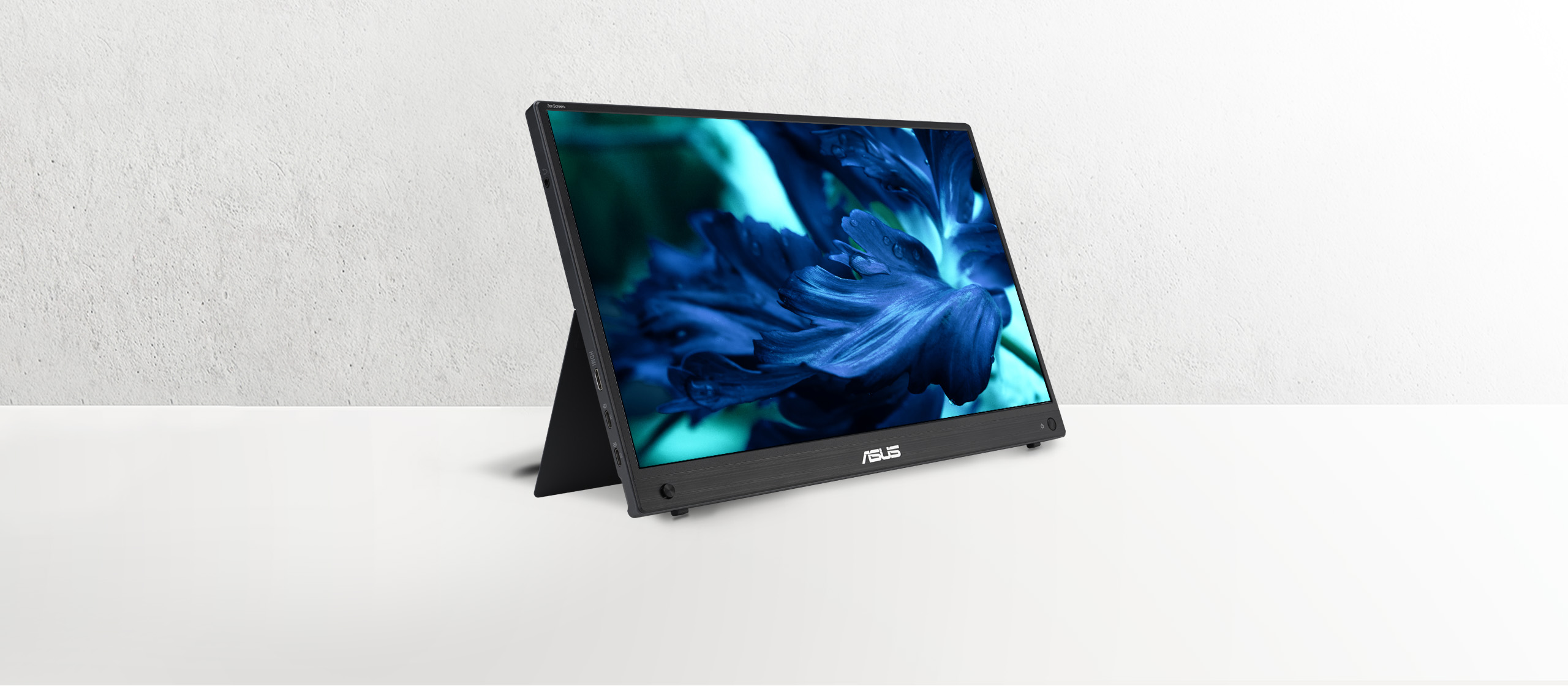
Image: ASUS.
| Published parameter | XREAL One Pro | ASUS ZenScreen MB16AHG |
|---|---|---|
| Display component mass | 87g, glasses without cable | 0.92kg net without stand |
| Display | 1920 × 1080 per eye; up to 120Hz | 15.6-inch IPS; 1920 × 1080; up to 144Hz |
| Source input | Compatible USB-C video; HDMI needs the correct conversion path | Two USB-C DP Alt Mode ports and one Mini HDMI input |
| Where the picture is viewed | Personal wearable view | Physical panel visible to others |
ASUS’s US specification page lists the 0.92kg net figure without a stand. Add your sleeve, cables, power adapter and any stand to measure your travel kit; the 2.78kg gross shipping figure is not a packed carry-on measurement. XREAL’s 87g figure also excludes its cable and case. The component figures explain why a wearable screen can reduce display bulk, but do not establish a complete-kit weight difference.
Plan power for the actual session
The XREAL connection guide states that a direct USB-C display draws power from the host. A laptop or handheld therefore supplies both its own workload and the glasses. Game settings, source brightness, battery condition and charging arrangement affect the useful session length; a generic phone-runtime estimate is not a measured result for your game or document task.
For a useful pre-trip check, run your normal task for a fixed interval with the same settings, first on the host screen and then through the glasses. Note the battery percentage change, elapsed time, output mode and accessories. This is a test procedure, not a published battery benchmark. For a longer session, confirm a compatible video-and-charging path and power supply rather than assuming an ordinary USB-C splitter carries video.
FAQ
Can it replace a portable monitor on a plane?
It can provide a personal view with a compatible host, subject to fit, power and seat constraints. Test that arrangement before the journey.
What is the total weight saving?
One Pro is 87g without cable; the cited ASUS example is 0.92kg net without a stand. Measure cases, cables, power and adapters separately for both complete kits.
Will it reduce eye strain for coding?
No universal benefit is established. Evaluate text readability and comfort with your own prescription and working posture.
Check the connection with its source
VESA documents DisplayPort video over USB-C; confirm the source supports it.
Check the model and complete your setup
Compare XREAL US options and check your model, fit and accessories. Confirm the full cost, stock and source compatibility before ordering.
Specifications and US listing details checked 28 October 2026. This guide uses attributed manufacturer information and practical setup checks; it does not report an independent lab ranking.