







A Travel Gaming Screen for Switch and ROG Ally: Two Connection Paths
XREAL One Pro can be considered for a shared travel kit serving ROG Ally and the original Nintendo Switch family, but the connections are different. ROG Ally can output video directly through its supported USB-C path; Switch and Switch OLED need the documented XREAL Hub arrangement with external power. Check the exact console generation before buying, and treat 120Hz as a supported signal mode rather than a guarantee for every game.
For the PC handheld, start with direct output
Connect using a video-capable cable and verify the handheld recognises an external display. Select a readable game UI and the refresh rate supported by the complete signal path. For a longer session, decide whether you need simultaneous charging. The official guide lists Steam Deck and ROG Ally direct connections.
For the original Switch, include power in the packing list
The same guide says the glasses cannot connect directly to Switch. Its Hub route requires external power because of the source’s limitations. Pack the compatible Hub and power supply or bank, and test the arrangement as a complete kit. Do not generalise the result to a different Switch generation without model-specific evidence.
Pack and test the two signal paths
| Source | Video route | Power requirement | Before leaving |
|---|---|---|---|
| ROG Ally with supported USB-C video output | Handheld → video-capable USB-C cable → One Pro | Handheld powers direct display use; plan charging for longer play | Open the game, select output and confirm controller/audio access |
| Original Switch or Switch OLED | Console → compatible powered Hub path → One Pro | Keep external power connected to the Hub | Pack the Hub, charger or bank, and every cable tested together |
The glasses are the common display; the source-specific power and video path is what changes. Label the tested cables so a charging-only lead does not replace the video cable in the travel pouch.
Budget for a working setup
The checked US listings show One Pro at $539 and Hub at $39.99, or $578.99 combined before applicable tax and other extras. A prescription lens order, charger or power bank may add cost. Confirm availability and the exact compatibility list before checkout, because the accessory page can show different stock states.
How much gaming time should you plan for?
XREAL’s One-series guide gives a 4–5-hour estimate for typical handheld gaming. It does not identify a game, power profile, battery condition or controlled ROG Ally test, so use it as a manufacturer scenario estimate, not a promise for your setup.
For a trip, measure your own game with the intended power profile, refresh setting and final display connection. Record the battery at the start and after 30 minutes. For planning only, if it falls by 20 percentage points, 80% remaining corresponds to about two hours at the same observed rate; this is arithmetic for that example, not a device benchmark. Keep a reserve because workloads and battery discharge change.
For longer play, test the compatible simultaneous-charging arrangement under load. The Hub’s up-to-45W rating does not guarantee that a handheld receives its maximum charging rate from every charger or cable.
Read latency claims accurately
XREAL describes a 3ms motion-to-photon measure for its native display processing. That is not the complete delay from a controller press through game rendering and the entire output chain. Test the game and selected mode rather than adding or subtracting marketing latency numbers from different products.
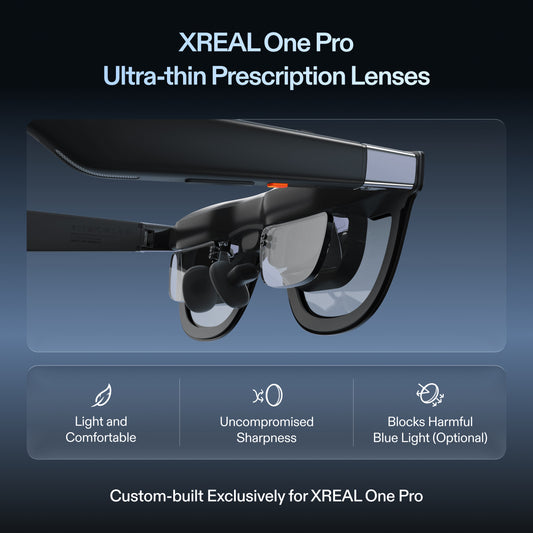
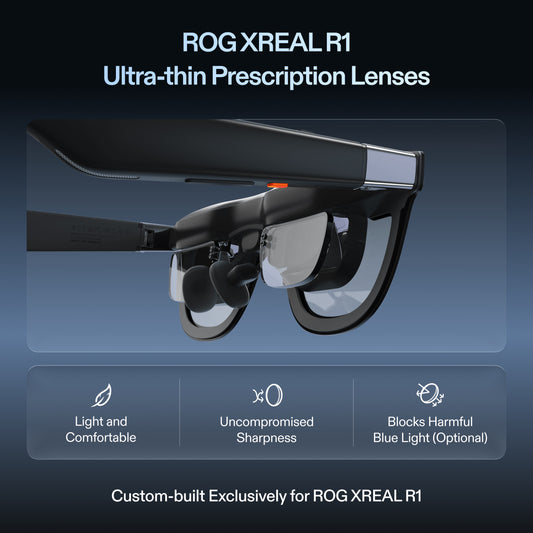
XREAL One Pro: the relevant specifications

Image: XREAL.
| Parameter | Published detail |
|---|---|
| Display | 1920 × 1080 pixels per eye; up to 120Hz |
| Field of view | 57° |
| Glasses mass | 87g, excluding cable |
| Screen behavior | X1 chip; native 3DoF, Anchor and Follow |
| Fit sizes | M: IPD 57–66mm; L: 66–75mm |
| Video input | USB-C video from a compatible source |
The US listing showed $539.00 USD on 28 October 2026. This is the glasses or accessory price, before applicable tax and any separately selected items. Check the official XREAL One Pro page; dimensional and display details are cross-checked against the XREAL device table (57° for One Pro; 52° for 1S).
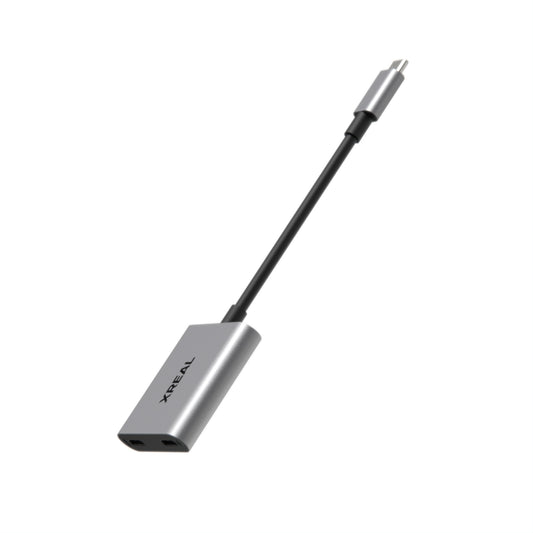
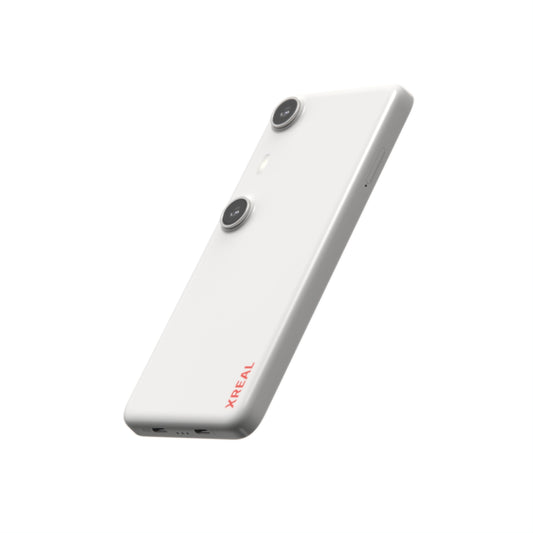
XREAL Hub: the relevant specifications

Image: XREAL.
| Parameter | Published detail |
|---|---|
| Role | Simultaneous device charging and glasses video |
| Charging rating | Up to 45W; source and power supply determine delivered power |
| Video passthrough | Up to 120Hz on a compatible path |
| Original Switch / Switch OLED | External power must remain connected |
| Lightning iPhone 14 and earlier | Not compatible with this Hub route |
The US listing showed $39.99 USD on 28 October 2026. This is the glasses or accessory price, before applicable tax and any separately selected items. Check the official XREAL Hub page.
FAQ
Can Switch use the Ally’s direct cable arrangement?
The official route for original Switch and Switch OLED requires the compatible powered Hub setup. Do not treat the two sources as identical.
Will ROG Ally gaming always be 120fps?
No. Source output, selected mode, adapter support and game performance are separate limits.
Should I pack a second monitor too?
That depends on whether you need shared viewing and whether the tested glasses setup works for your whole trip.
Check the connection with its source
VESA documents DisplayPort video over USB-C; confirm the source supports it.
Check the model and complete your setup
Build your XREAL US travel gaming kit. Confirm the One Pro fit, your exact handheld generation and the Hub/power route before checkout, then test both consoles with the packed cables.
Specifications and US listing details checked 28 October 2026. This guide uses attributed manufacturer information and practical setup checks; it does not report an independent lab ranking.