








XREAL Air 2 for Switch and PS5: Compare the Complete Connection Setup
Budget only the components that solve your console path
For the original Switch/Switch OLED in its powered TV dock or a PS5, start with Air 2 plus one correctly directed, powered HDMI-to-USB-C video converter. Move that converter between consoles if its documented chain suits both. Beam Pro is not the HDMI converter, so leave it out of the basic console basket. A USB-C charging cable or reversed laptop adapter does not solve this input requirement.
The manufacturer listing example below was recorded on 11 November 2026: USD199 for Air 2 and USD39.90 for the PeakDo adapter, or USD238.90 before tax, shipping and missing equipment. Treat that as a dated comparison reference, not a promise of today’s stock or checkout total. If either listing changes, replace that line item before choosing against a portable monitor.
Model-specific images and specifications
Manufacturer specifications checked on 6 November 2026. Images identify the named models; they are not to scale. Maximum specifications do not establish the result of every source, mode or fitted setup. Foreign-store links below are technical references, not local availability or price offers.
XREAL Air 2
Source: XREAL · XREAL Air 2
| Parameter | Manufacturer specification |
|---|---|
| Field of view | 46° |
| Display | 1920 × 1080 per eye |
| Maximum 2D refresh | 120 Hz |
| Weight | 72 g |
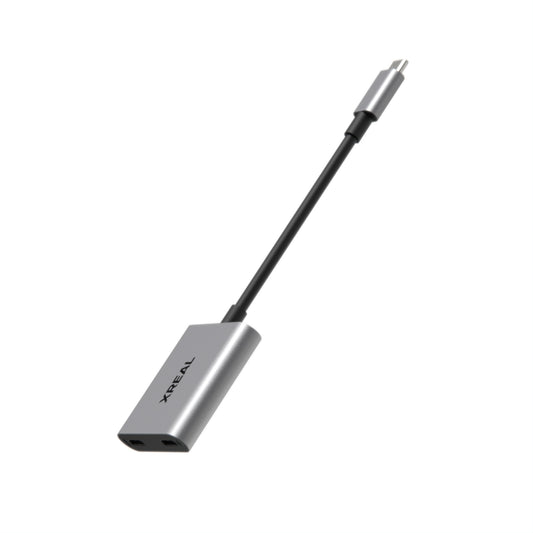
PeakDo HDMI to USB-C Adapter
Source: PeakDo · PeakDo HDMI to USB-C Adapter
| Parameter | Manufacturer specification |
|---|---|
| Direction | HDMI input → USB-C video output |
| Power | External power required |
| Compatibility | Manufacturer lists XREAL Air 2; verify full source chain |
The two working signal paths
| Console | Video and power path | Parts to pack |
|---|---|---|
| Original Switch / Switch OLED | Console in TV dock → dock HDMI output → powered HDMI-to-USB-C adapter → Air 2 | Dock, its AC adapter, HDMI cable, adapter USB power lead and glasses cable |
| PS5 | PS5 HDMI output → powered HDMI-to-USB-C adapter → Air 2 | HDMI cable, adapter USB power lead and glasses cable |
| Switch Lite | This TV-dock path does not apply | Do not buy this kit on an assumption of docked video output |
The PeakDo adapter product page explicitly lists XREAL Air 2 compatibility and its USD 39.90 listing, rechecked 11 November 2026. Follow its power and connection instructions. An ordinary USB-C-to-HDMI laptop cable works in the opposite direction and is not a substitute. The adapter's 4K headline does not make Air 2 a 4K display or guarantee 120 Hz through this chain; select a supported 1080p output and verify video and sound before travel.
What the subtotal includes
| Item | Checked US amount | Budget treatment |
|---|---|---|
| XREAL Air 2 | USD 199.00 | Glasses; use the supplied compatible glasses cable |
| PeakDo HDMI-to-USB-C adapter | USD 39.90 | One shared converter for the two consoles |
| Existing console equipment | No additional purchase only if genuinely already owned | Do not count a missing Switch dock or charger as free |
| Prescription lenses, missing leads, tax and shipping | Add actual checkout / lab amounts | Separate from the USD 238.90 hardware subtotal |
This is an itemized purchasing example from the two manufacturers' listings, not an independent tested bundle or a delivered-price promise. Switch 2 is a different model and is outside this original-Switch setup.
When a portable monitor is the better buy
For the same already-owned HDMI equipment, an HDMI-input portable monitor can avoid the additional HDMI-to-USB-C conversion step. Compare its complete powered price with the complete glasses setup, not its panel price against glasses plus a needlessly added Beam Pro. If a monitor's complete kit costs less and you have room to stand it up, it is the simpler shared display. Choose glasses when eliminating the physical panel and keeping the main picture in your own view is worth the fit requirement and extra cable management.
Air 2's manufacturer specifications are 72 g, 46° field of view, 1920 × 1080 per eye and up to 120 Hz in supported 2D conditions. The worn unit is light, but the Switch dock and chargers remain in your bag. A glasses setup does not turn a PS5 into a battery-powered handheld.
Which extras actually earn a place in the bag?
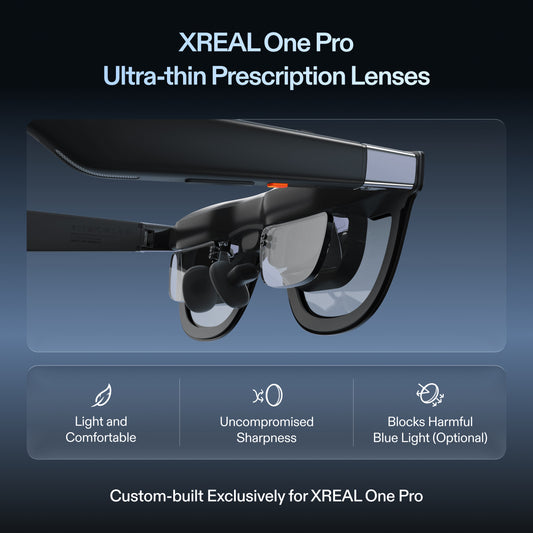
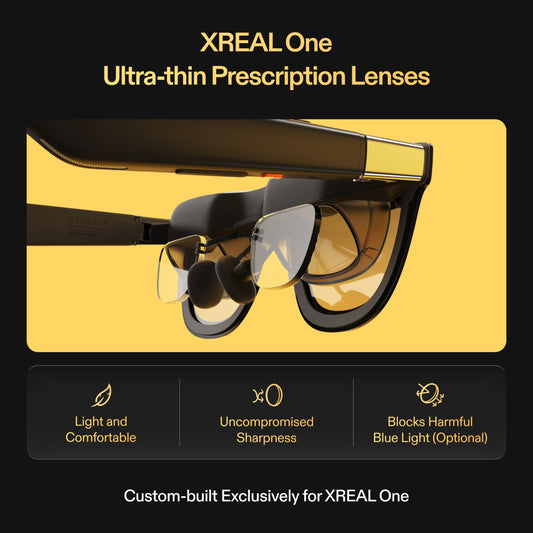
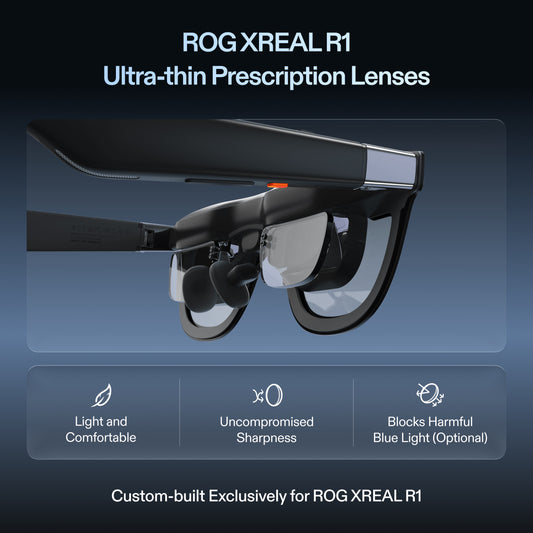
- Prescription correction: price the exact Air 2 insert and your full prescription. A rival's spherical diopter dial is not automatically an alternative for astigmatism or unequal prescriptions.
- Spatial positioning: Air 2's basic direct display is distinct from a supported Beam-based positioned screen. Buy that function only if you need it; keep it out of the basic console subtotal.
- Beam Pro: this is an Android content source, not the HDMI converter in the table. It may suit standalone movies, but adding it does not solve the PS5 input.
- Mac multi-window work: require a current demonstration on your exact Mac and software before budgeting a second use case. A console-compatible cable is not evidence of a multi-monitor workspace.
Before a trip, connect each console separately, play the game for a normal session, check menu corners and controller audio, and pack only the proven leads. For flights, compare offline content, power and fitted prescription comfort with a standalone headset separately from this docked-console purchase.
Continue planning the setup
Related guide: A Travel Gaming Screen for Switch and ROG Ally: Two Connection Paths
Verified product facts
| Parameter | Documented value / condition |
|---|---|
| XREAL Air 2 | 46° field of view; USB-C DisplayPort video input |
| Condition | The source must output video; a charging-only cable is insufficient |
Product details are taken from the cited manufacturer documentation. Confirm the selected regional product and its current instructions.

Frequently asked questions
Does a 120 Hz glasses specification guarantee 120 Hz on every console?
No. The console, game, output mode, dock and active adapter can limit the actual frame rate. Verify the complete chain with the intended game.
Can PS5 connect through an ordinary USB-C cable?
Do not assume it can. Plan around the console’s HDMI output and a powered HDMI-input-to-USB-C-video-output converter explicitly compatible with the glasses.
Which Nintendo Switch setup is described here?
The original Switch or Switch OLED in a compatible powered TV dock. Switch Lite does not provide that docked TV output. Do not extend this claim to Switch 2 without separately verifying its chain.
Why test HUD corners before deciding?
Small subtitles, inventories and corner counters can reveal fit or edge-reading limitations that a large central video misses. Use your own game, then repeat with any required prescription insert.
Which product should I start with?
Start with the model whose fit, text legibility and demonstrated source chain meet your game requirements. Add an adapter or power accessory only when that chain needs it; a larger virtual image alone is not a compatibility test.